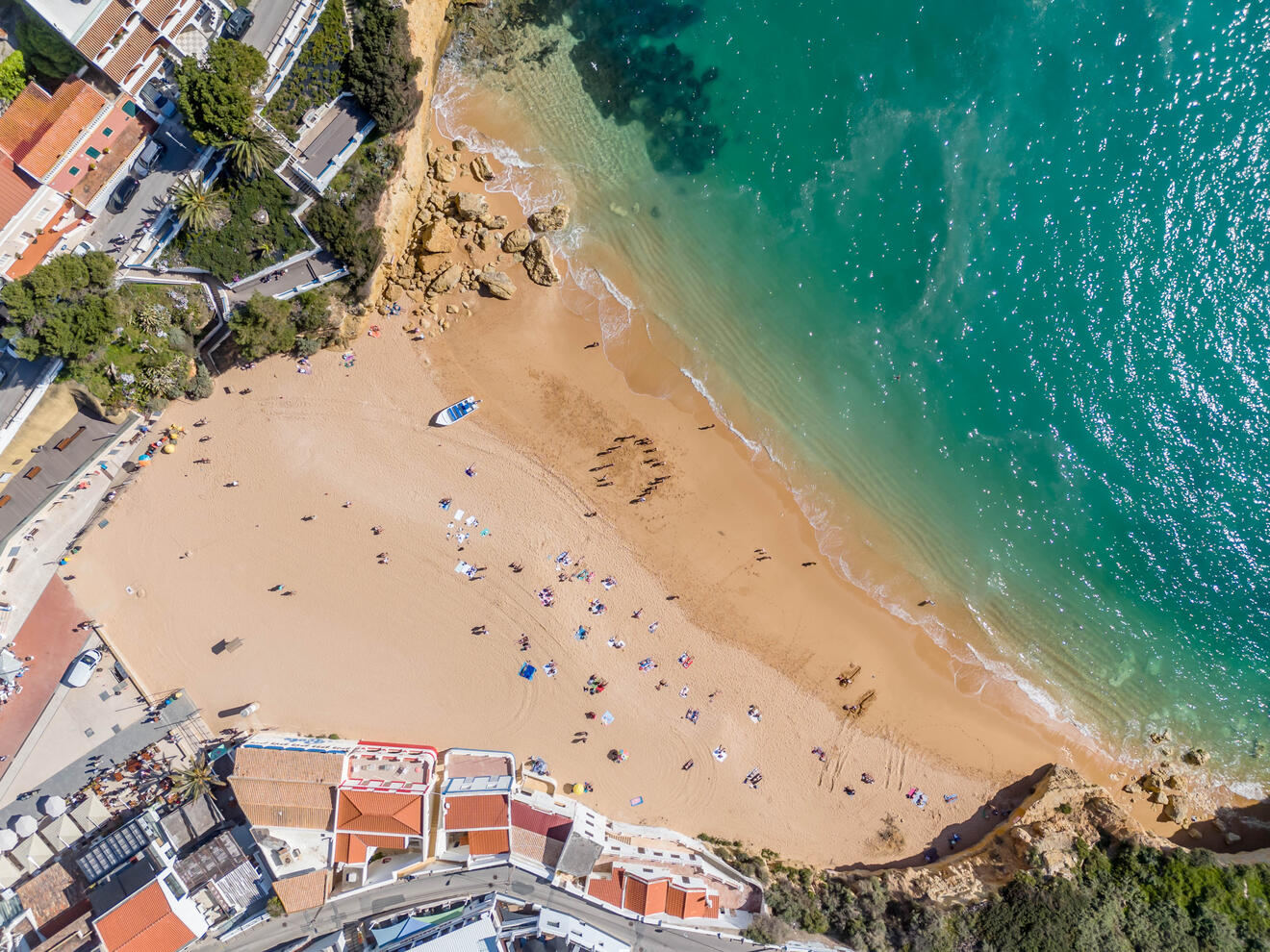
Welcome to Golden Cliffs
We are delighted to have you here. On behalf of the Sunnyscape Solutions team, thank you for choosing us for your Carvoeiro getaway. Our goal is to make your stay as relaxing and memorable as possible.To help you settle in, we’ve gathered everything you need to know about the house and the local area right here - including our personal "insider" tips to help you experience the best of the Algarve.If you need anything at all, please don't hesitate to reach out. You can find our contact details on the "Contact us" tab. Enjoy every moment of your stay!
House Rules & Guest Guidelines
We want you to have a fantastic and comfortable stay at Golden Cliffs. To ensure the property remains in top condition and we remain good neighbors, please observe the following guidelines:
The Essentials
No Smoking: For the comfort and safety of all guests, smoking is strictly prohibited inside the property.No Pets: To keep our home allergen-free for all future visitors, we are unable to host pets.Electric Vehicles: Please do not charge electric cars or bikes using the property’s internal electrical outlets, as the system is not rated for this load.
Security Deposit (Refundable)
We charge a fully refundable security deposit, paid before arrival.Amount: € 500.00 / booking
Payment method: Credit Card Hold / Stripe
Quiet Hours & Local Regulations
In accordance with Portuguese Law (Decree-Law No. 9/2007), we kindly ask you to respect the following:Rest Periods: Please observe quiet hours between 11:00 PM and 7:00 AM.Noise Etiquette: To maintain a peaceful environment, loud conversations or parties are not permitted, and we ask that you avoid noisy activities between 8:00 PM and 8:00 AM on any day of the week.
Security & Property Care
Key Safety: Please do not leave keys in the lock on the inside of the door. If you lock yourself out with the keys inside the lock, any professional locksmith costs incurred to access the property will be your responsibility.The Terrace: Carvoeiro can get breezy! Please ensure parasols are retracted when not in use or during windy conditions to prevent damage.
Departure & Waste
To help our cleaners prepare the apartment for the next guests, we kindly ask that before leaving you:
• Wash or rinse any dishes and leave the sink clean
• Load and start the dishwasher
• Turn off the air con
• Dispose of all rubbish, including kitchen and bathroom bins
• Return the keys to the key safe (please remember to change the dials to a random number)If these steps are not completed, an additional €50 cleaning fee may be charged.
Thank you for your understanding.
Usefull Information
Wifi
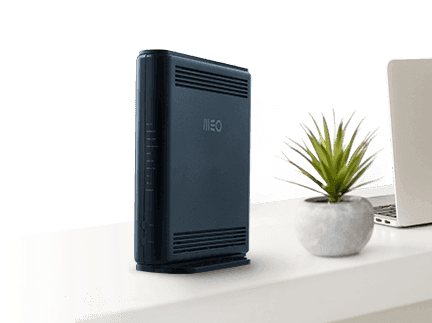
The network name is GoldenCliffs and the password is EnjoyYourStayNote:
If the internet connection is unstable, the equipment may cease to function. In such cases, please try disconnecting the router from the power source, wait for 30 seconds, and reconnect it.
If the issue persists, kindly reach out to us for assistance.
Air Conditioning
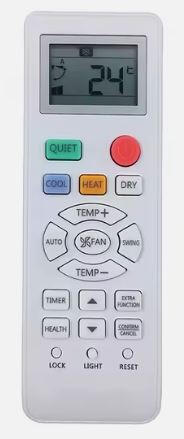
1. Turn On/Off
Press the red power button (top right).2. Select Mode
COOL (Blue): Air conditioning mode (cools the room).
HEAT (Yellow): Heating mode.
DRY (White): Removes humidity (dehumidifies).
QUIET (Green): For silent, low-noise operation.
Press the button for the mode you want.3. Adjust Temperature
Press TEMP + to increase temperature.
Press TEMP – to decrease temperature.
4. Set Fan Speed & Swing
FAN: Press to cycle fan speed (low, med, high).
SWING: Press to activate/deactivate moving air vents (oscillate).
5. Set Timer (Optional)
TIMER: Press, then use ▲/▼ arrows to set time for auto ON/OFF.6. AUTO Function
AUTO: Press for automatic mode (lets the machine decide best settings).Extra Buttons
SELF CLEAN: Press for self-cleaning feature.
LIGHT: Press to turn remote/backlight on/off.
LOCK: Press to lock/unlock the remote so nobody can change settings by mistake.
RESET: Press to reset remote settings to default.
CONFIRM/CANCEL: Confirms or cancels settings, especially for timer.
EXTRA FUNCTION: Special features
Television
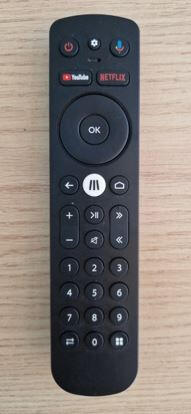
Both the smart TV (Phillips) and our MEO smart box (connects to HDMI1 on the TV inputs) offer access to popular apps such as YouTube, Netflix, and Disney+, among others.Instructions for TV operation:
Use the remote control to power on the TV by pressing the 'power' button. If you encounter a blank screen, press the 'source' button and select HDMI 1For traditional viewing, our channel system includes both Portuguese and international channels through the MEO smart box, you can access the channel list by pressing MEO - the white button in the center.
Kitchen and Dinning
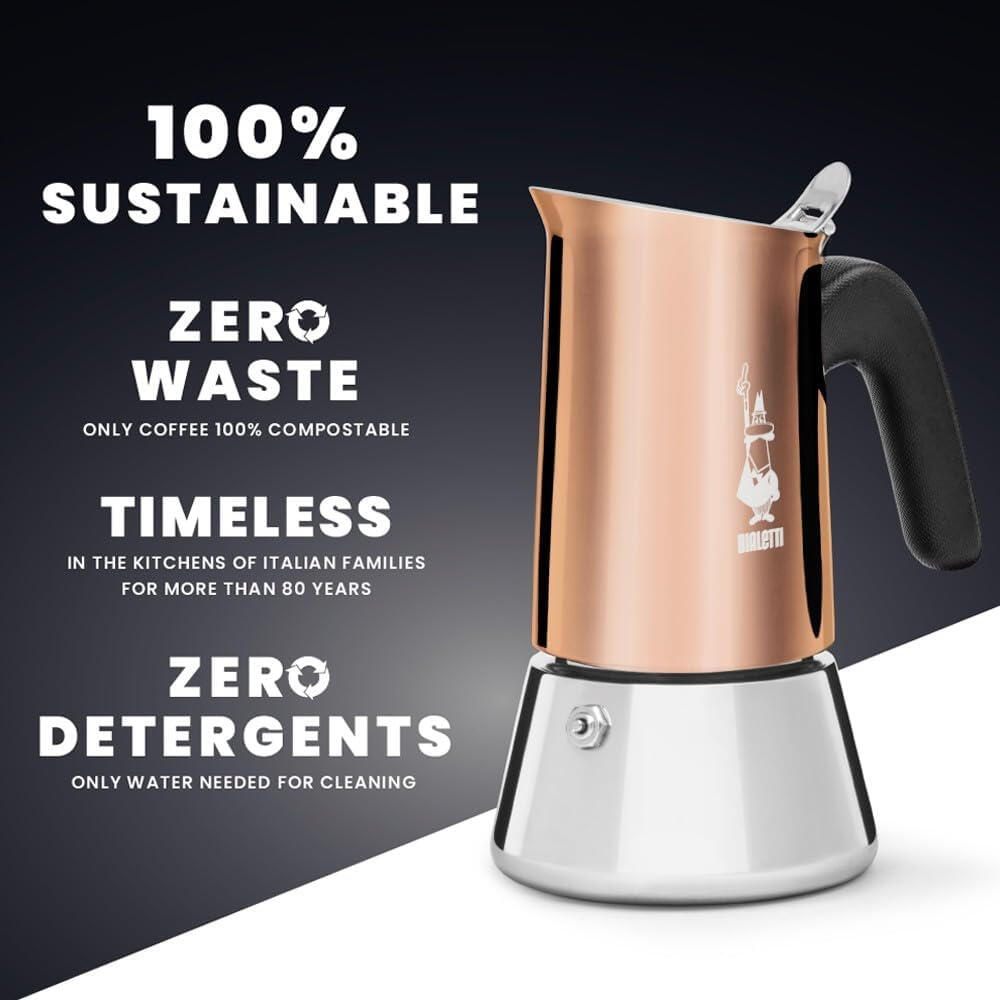
Coffee Maker
Water: Unscrew the top and remove the funnel. Fill the bottom chamber with water just up to the bottom of the safety valve. Do not fill past the valve.Coffee: Insert the funnel. Fill it with ground coffee (specifically labeled "Moka" or "Espresso" grind). Level it off, but do not press or pack the coffee down.Assemble: Ensure the filter and rubber seal are in place under the top section. Screw the top and bottom together firmly.Brew: Place the pot on the smallest induction zone. Select a medium heat setting (e.g., level 5 or 6).Tip: Avoid the "Boost" setting; a slower brew prevents the coffee from tasting bitter.Enjoy: Once you hear a gurgling sound and the top chamber is full, remove the pot from the heat immediately. Pour and enjoy!⚠️ Important Care & Safety
The Handle: Always use the black handle to move the pot. The steel body will be extremely hot.No Hot Pots on Silestone: Please never place the hot Bialetti directly on the Silestone countertop. Use a heat-proof mat or trivet.Hand Wash Only: Please do not put the Bialetti in the dishwasher. Rinse it with warm water only - soap and dishwasher chemicals can ruin the finish and the taste of the coffee.Dry Well: After washing, dry all parts thoroughly before screwing it back together for storage.Why no capsules?
"At Golden Cliffs, we’ve chosen the Bialetti Venus to help reduce plastic waste. Thank you for helping us protect the beautiful Algarve environment by choosing a capsule-free brew!"
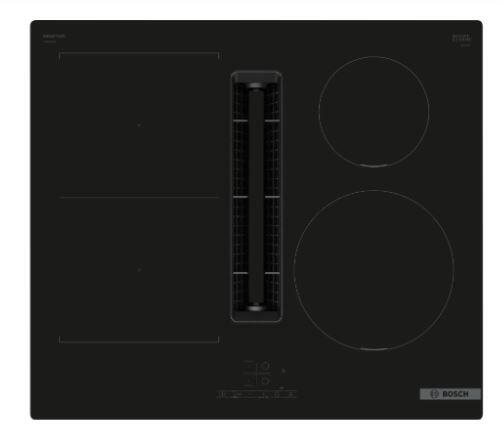
Induction Hob
Power On: Press and hold the Main Power button (circle icon) for a second until the display lights up.Select Zone: Tap the symbol for the cooking zone you want to use (e.g., front-left). A 0 will brighten to show it’s active.Set Heat: Use the + or - buttons to choose a power level from 1 (low) to 9 (high).Boost Mode: For boiling water quickly, select the zone and press the Boost button (labeled b) to use maximum power.Safety Lock: If you see a key symbol, the child lock is on. Press and hold the Key icon for 4 seconds to unlock it.Turning Off: Tap the active zone and press the - button until it reaches 0, or press the Main Power button to turn everything off at once.⚠️ Important: Protecting the Countertops
Induction-Ready Only: This hob only works with magnetic pans. If the display flashes a symbol, the pan is either not compatible or not centered correctly.No Hot Pans on Silestone: Please never slide hot pans off the hob directly onto the Silestone countertop. Always move them to a cold zone on the glass or use a heat-proof mat.Residual Heat: An H or h will appear on the display after cooking. This means the glass is still hot—please do not touch it or place items on it until the light goes out
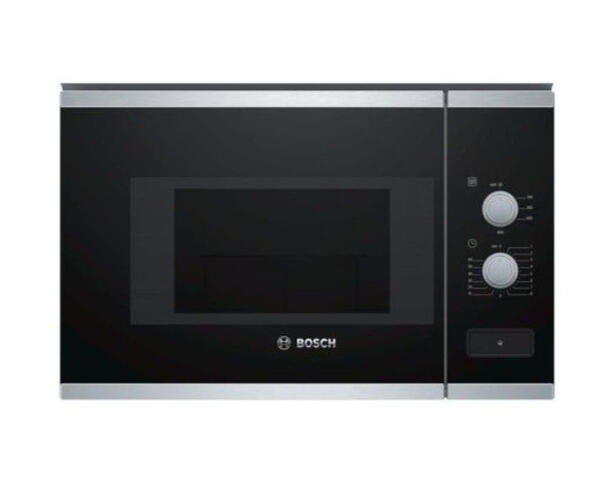
Microwave Oven
Power On/Off: Usually, the oven starts when you select a cooking program or temperature.Selecting Cooking Programs:
There are 3 cooking programs (specific functions may vary; common options are microwave, convection, grill, or mixed modes).Use the touch controls or dial to choose the program you want.Setting the Time/Clock:
Use the timer or clock buttons displayed on the touch panel to set cooking duration or clock time.Adjust Temperature/Power Levels:Adjust temperature or microwave power with the plus (+) or minus (–) buttons, or by selecting power levels if available.Defrost Function:
Use one of the 4 defrost programs for thawing food, as indicated on your control panel.Start Cooking:
After selecting the function and time/power, press the start button (usually marked).Stop or Cancel:
Press stop or cancel button to pause or turn off the oven before the cycle ends.Interior Light:
Interior light turns on automatically when oven is in use.
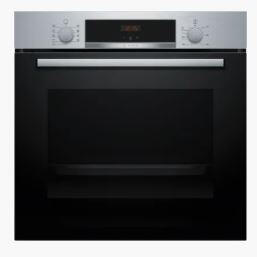
Oven
Power On: Turn the control knob to start the oven.Select Cooking Mode:
Turn the control knob to select the desired function (e.g., conventional heat, fan-forced, grill, defrost).Symbols around the knob indicate different cooking modes.Set Temperature:
After selecting the mode, turn the control knob to adjust the temperature (in °C).Start Cooking:
Once temperature and mode are set, the oven will start heating.The oven light will turn on while in use.End Cooking:
Turn the control knob back to "0" or the OFF position to turn off the oven.
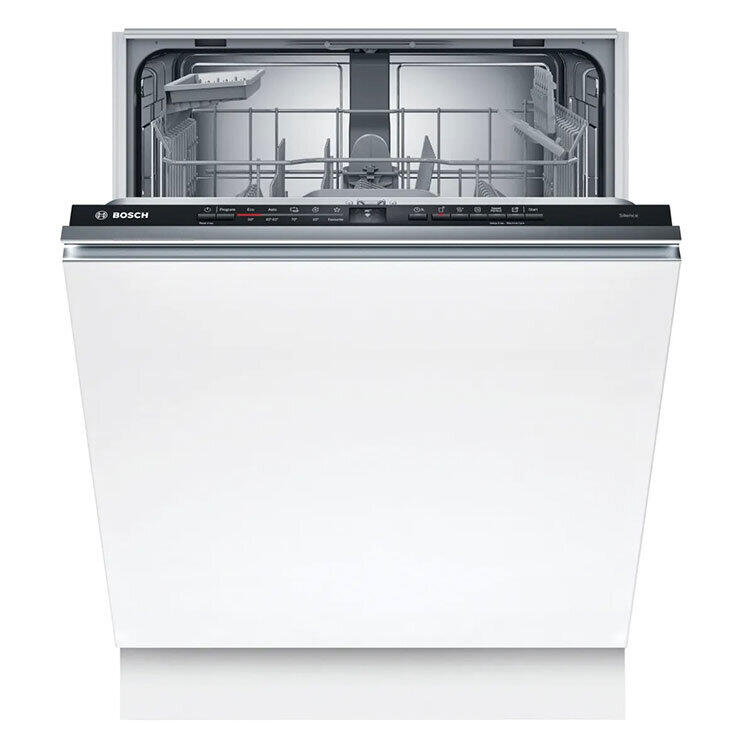
Dishwasher
Power On: Open the door and press the Power button on the far-left of the top edge.Select Program: We recommend the "Eco" or "Auto" setting for best results.Detergent: Place one pod in the sliding dispenser on the inside of the door and click it shut.Start: Firmly close the door. You will hear a beep and see a light beam on the floor indicating the cycle has started.Finished: When the light on the floor goes out and the machine beeps, the cycle is complete.Pro-Tip: Please scrape all food into the bin before loading to keep the filters clear and the dishes sparkling.
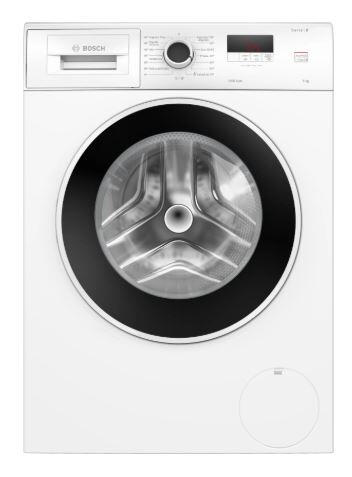
Washing Machine
Power On: Turn the large dial to your desired program. We recommend the "Eco 40-60" or "Mix" setting for general holiday laundry.Load & Detergent: Place your laundry inside and add a detergent pod or liquid to the left-hand compartment of the drawer.Adjust Settings (Optional): Use the touch buttons to the right of the screen if you need to change the temperature or spin speed.Start: Press the Start/Reload button (the triangle/bar icon). The door will click locked, and the cycle will begin.Child Lock: If a key symbol appears and the machine won't start, press and hold the "Finished in" (+/-) buttons together for 3 seconds to unlock it.Finished: The machine will beep and display "End" when done. Please leave the door slightly ajar after use to keep the drum fresh.
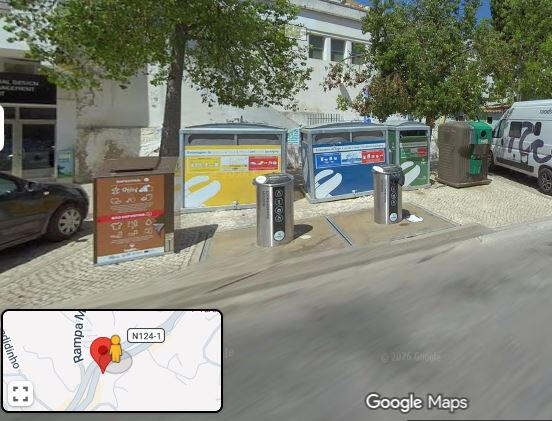
♻️ Recycling & Waste ManagementWe are committed to protecting the beautiful environment of Carvoeiro. We kindly ask you to separate your waste and use the communal recycling bins (Ecopontos) located nearby.Please use the following color-coded system:
🟦 Blue (Papel/Cartão): Paper, cardboard boxes, newspapers, and magazines. Please flatten boxes to save space.
🟩 Green (Vidro): Glass bottles and jars. Please remove caps and lids.🟨 Yellow (Embalagens): Plastic bottles, food containers, metal cans, tins, and drink cartons (like milk or juice).⬛ Grey/Brown (Indiferenciado): General non-recyclable household waste and food scraps.Where to take your waste:
The nearest recycling point is located in Rua do Barranco, next to Bespoke Architects, just accross the street and to the right as you leave the building.Important Notes:No Loose Bags: Please do not leave bags of trash outside the front door or on the pavement, as this attracts local seagulls and wildlife.Final Departure: On your final day, please ensure all trash has been removed from the apartment and taken to the street bins. As per our House Rules, a fee may apply for waste left inside.
🏡 Starter Supplies Inventory (2-Bedroom, up to 5 guests)🧼 Kitchen
Dishwasher capsules: 3–4Dishwashing liquid: small bottle (~100–150 ml)Sponges: 1Kitchen paper: 1 rollTrash bags: 3–4Pantry basics (keep these, don’t cut):Salt, pepperOlive oilSugarKitchen foil, clinging film, baking paper☕ Coffee & tea
Coffee: 3–5 servingsTea bags: 3–5Sugar / sweetener🧺 Laundry
Laundry detergent capsules: 3–4🛁 Bathroom
Toilet paper: 2–3 rollsHand soap: 1 dispenserShower gel / shampoo: 1 eachBathroom bin bags: 2–3🧽 Cleaning supplies
Multi-surface cleaner1–2 clothsBroom or vacuum🛏️ Linen & towels
(Don’t reduce too much here—this affects reviews directly)Towels: 1 set per guest (up to 5)Bed linen: 1 set per bedOptional but recommended: 1 spare set
Contact Us
We’re here to help!Whether you’re looking for the best hidden beach in the area, need help with an appliance, or just want to say hello - we’d love to hear from you. We want your stay at Golden Cliffs to be absolutely perfect.Drop us a message or give us a call, and we’ll get back to you as soon as possible.Happy holidays!